Screen sharing
made for the
classroom
Open your device, connect, and start sharing. With Airtame, anyone can share their screen in seconds — even if it’s their first time in the room.
Get in touch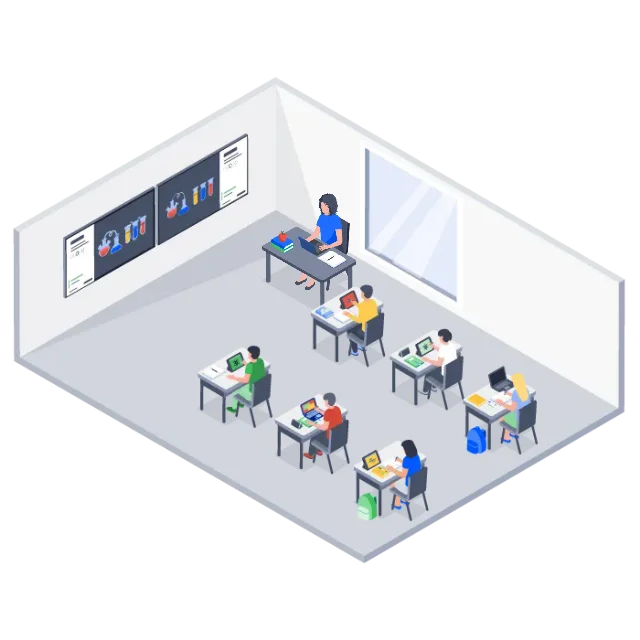
4,300+ schools
Use Airtame for teaching, signage, and alerts
 Rated 4.6/5 (opens in a new tab)
Trusted by teachers, IT, and staff
4,300+ schools and counting
Powering classroom teaching, hallway updates, and campus-wide alerts.
Rated 4.6 out of 5 (opens in a new tab)From teachers, IT admins, and staff who use it — and count on it.
Works with the devices you’ve got
Some teachers use Windows. Some use Chromebooks or Mac. Students might have iPads or phones. Substitutes bring whatever they’ve got. And Airtame? Works with all of it. No logins or complicated setup. Just connect and go.
Screen share how you want
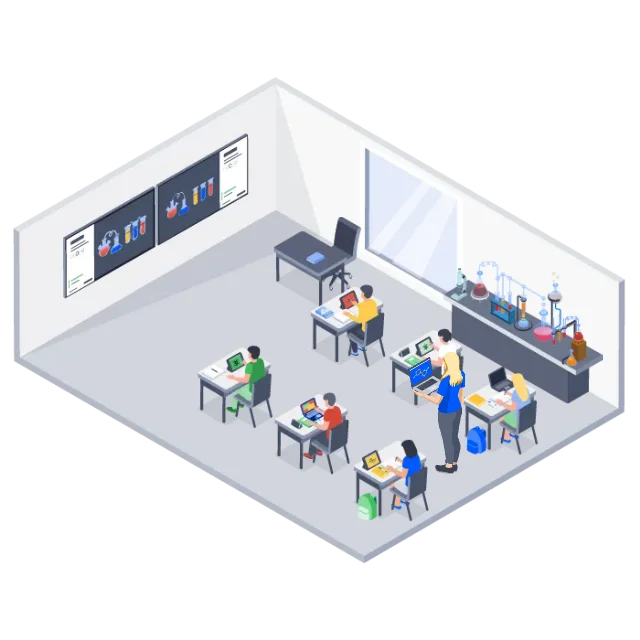
Share content easily using the Airtame app. Share using AirPlay and Miracast. However you’re used to sharing, Airtame fits right into your setup.
Teach without being tied down
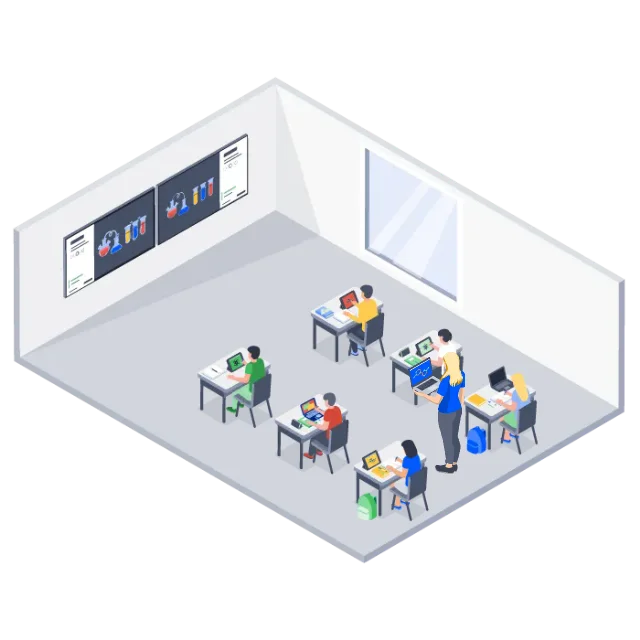
Keep your lesson notes open, switch between apps, or move freely around the room — all while presenting. Airtame lets you share just what you want, even to multiple screens at once. Because teaching isn’t static, and your tools shouldn’t be either.
Full control over who shares
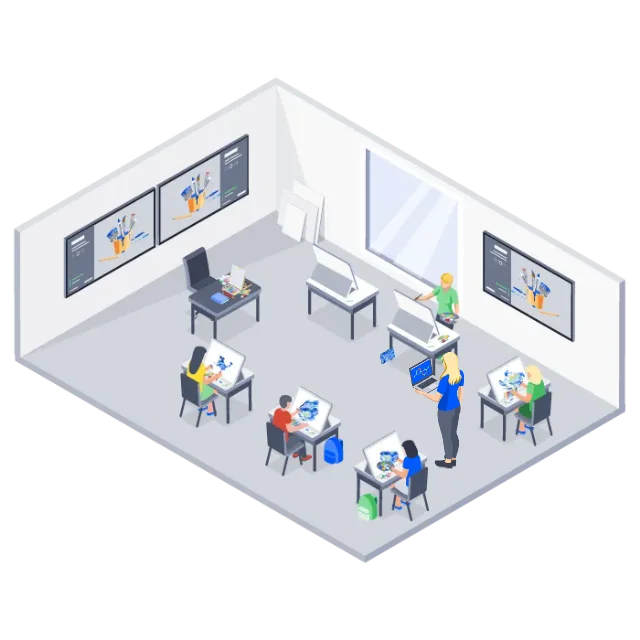
Moderator mode lets teachers control the session from start to finish — who joins the queue, who gets to present, and when it all stops. Students connect from any device, wait their turn, and share only when invited.
What teachers and IT admins are saying



Airtame is as reliable as flicking the light switch and expecting the lights to come on.
 JR Renna | Coordinator of Educational Technology
 Parkland School District
Super easy to implement, easy for the teachers to use, Most teachers use it every day. Airtame works perfectly for signage and for presenting as it works with any device.
G2 | Verified User
Primary/Secondary Education
The Airtame platform has freed our teachers to move around the rooms as they lead digital lessons delivered wirelessly from mobile devices.
Matt Kresslein | Instructional Technology Coordinator
Warren County Public Schools










Let’s make your screens work smarter
Managing one school or a full campus? We’ll find the right setup for you.
Let's talk