Make every room ready
for video calls
From parent meetings to staff check-ins, video conferencing is already part of the day-to-day. Airtame makes any room meeting-ready, using the screens and tools you already have.
Get in touch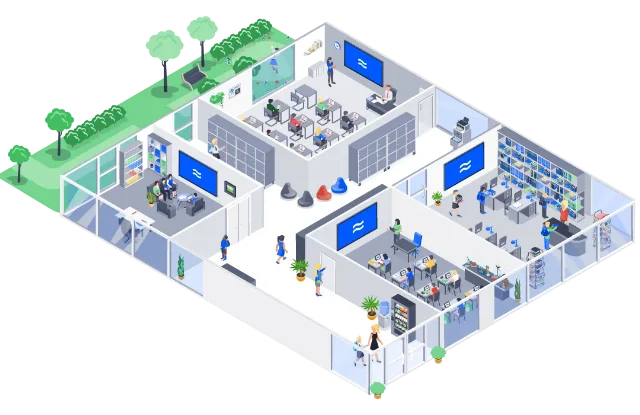
4,300+ schools
Use Airtame for teaching, signage, and alerts
 Rated 4.6/5 (opens in a new tab)
Trusted by teachers, IT, and staff
4,300+ schools and counting
Powering classroom teaching, hallway updates, and campus-wide alerts.
Rated 4.6 out of 5 (opens in a new tab)From teachers, IT admins, and staff who use it — and count on it.
Focus on the conversation, not the setup
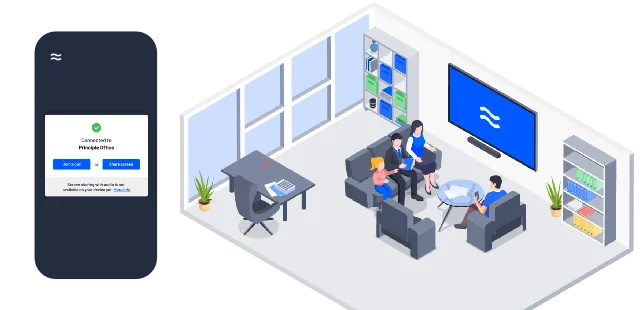
Jump into a parent-teacher conference or check in with another campus — straight from your classroom or staff room. Airtame supports the video platforms you already use, so connecting is quick and familiar for everyone.
Reach people beyond the classroom
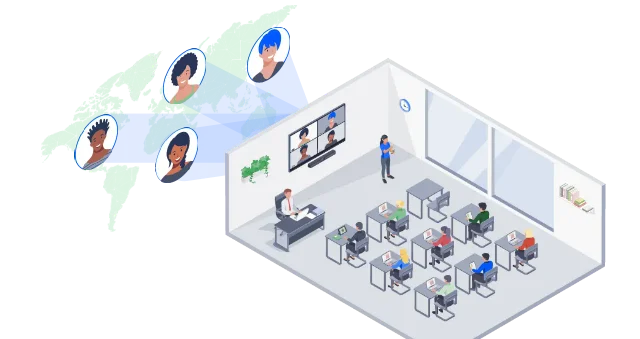
Stream lessons to remote students, host virtual townhalls in the auditorium, or invite guest speakers to join from anywhere. The possibilities are endless, and Airtame makes it easy to blend in-person and virtual learning.
Use the services you know and trust
Whether it’s Microsoft Teams, Zoom, Google Meet, or Webex — Airtame works with them all. Just bring your own device, connect to the room screen, and start the call. That’s it.




What teachers and IT admins are saying


Airtame is as reliable as flicking the light switch and expecting the lights to come on.
 JR Renna | Coordinator of Educational Technology
 Parkland School District
Super easy to implement, easy for the teachers to use, Most teachers use it every day. Airtame works perfectly for signage and for presenting as it works with any device.
G2 | Verified User
Primary/Secondary Education
The Airtame platform has freed our teachers to move around the rooms as they lead digital lessons delivered wirelessly from mobile devices.
Matt Kresslein | Instructional Technology Coordinator
Warren County Public Schools










Let’s make your screens work smarter
Managing one school or a full campus? We’ll find the right setup for you.
Let's talk