Show the right
content, right
on time
Turn your screens into easy, effective communication tools. Use the apps you already know to keep students and staff in the loop.
Get in touch
4,300+ schools
Use Airtame for teaching, signage, and alerts
 Rated 4.6/5 (opens in a new tab)
Trusted by teachers, IT, and staff
4,300+ schools and counting
Powering classroom teaching, hallway updates, and campus-wide alerts.
Rated 4.6 out of 5 (opens in a new tab)From teachers, IT admins, and staff who use it — and count on it.
Use the tools you already love
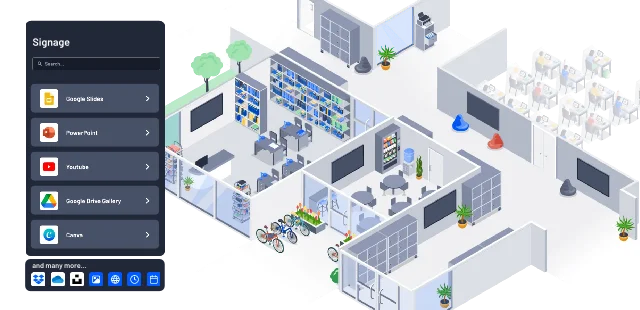
Show content from Google Slides, Canva, PowerPoint, and more — without changing how you work. IT can set it up once in Airtame Cloud, and updates will happen automatically.


Keep it fresh with screen playlists
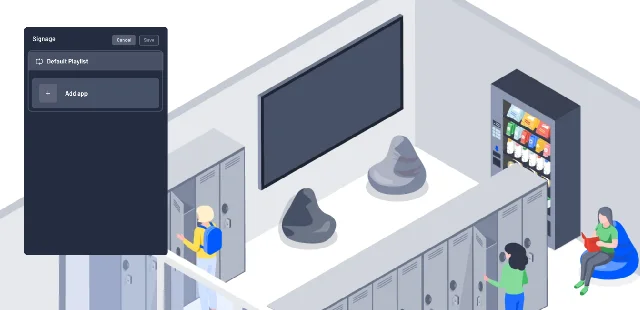
Mix and match content, such as a 5-minute video update, a 30-second celebration, and a rotating slideshow. You decide the order and duration of each item, so your screens tell the right story, at the right pace.
Put your content on a schedule
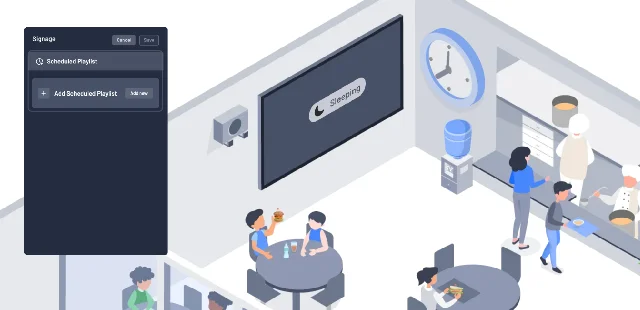
Morning announcements at 8. Lunch menu at noon. Assembly reminders on Fridays. With scheduled content, you can plan once and let screens handle the rest — so the right info shows up when it’s needed.
What teachers and IT admins are saying


Airtame is as reliable as flicking the light switch and expecting the lights to come on.
 JR Renna | Coordinator of Educational Technology
 Parkland School District
Super easy to implement, easy for the teachers to use, Most teachers use it every day. Airtame works perfectly for signage and for presenting as it works with any device.
G2 | Verified User
Primary/Secondary Education
The Airtame platform has freed our teachers to move around the rooms as they lead digital lessons delivered wirelessly from mobile devices.
Matt Kresslein | Instructional Technology Coordinator
Warren County Public Schools










Let’s make your screens work smarter
Managing one school or a full campus? We’ll find the right setup for you.
Let's talk