
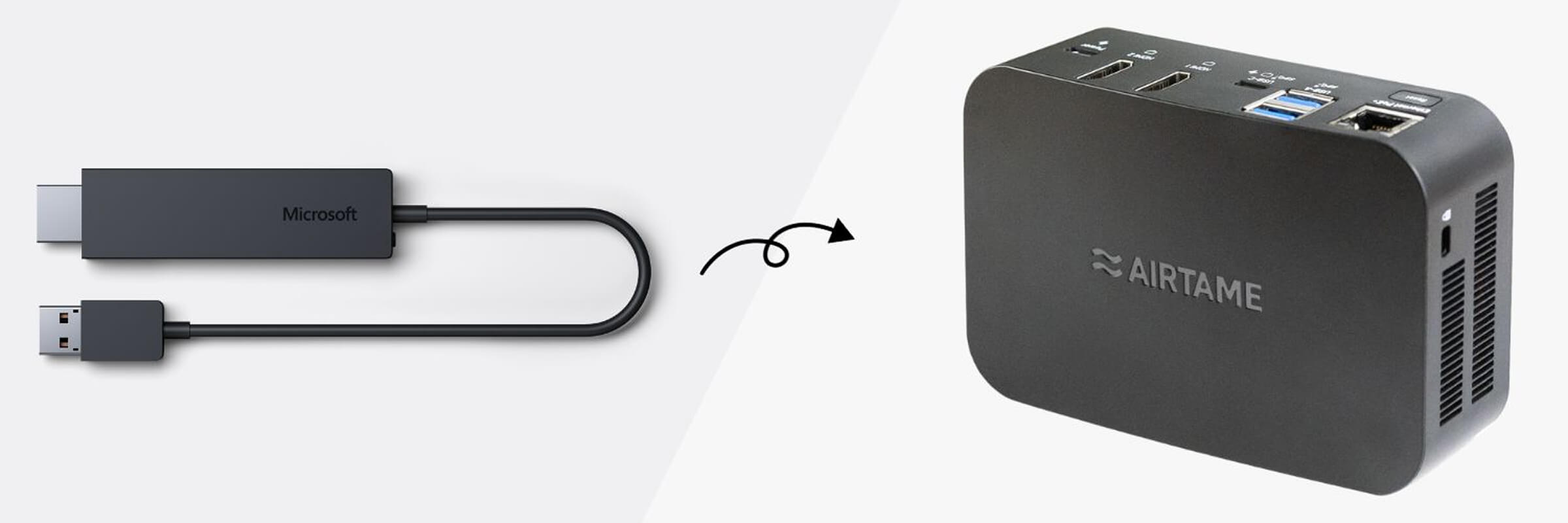
In the world of sharing digital content, technology should be a helpful ally, empowering anyone to share content to a screen with ease. With the Microsoft Wireless Display Adapter (WDA) being phased out, we know the search for a professional-grade alternative can be daunting.
With Airtame 3, you get the same intuitive user experience you loved with the Microsoft adapter, but with a whole suite of powerful new features that offer more flexibility for both users and IT administrators.
At Airtame, we believe wireless screen sharing should be as easy as clicking a button, without dongles or messy wires. Airtame 3 seamlessly replaces the functionality of Microsoft’s Wireless Display Adapter, offering a hassle-free way to share content from any device to the big screen.
Whether it’s a high-stakes presentation or an interactive lesson, Airtame 3 ensures a premium connection. For the first time, you can now enjoy Dual 4K support, allowing you to power two ultra-high-definition displays from a single device for maximum impact.
Airtame 3 is purpose-built to be fully device-agnostic. Just like the Microsoft adapter, we support Miracast for easy sharing from Windows and compatible Android devices. Additionally, we support AirPlay, opening up the same seamless workflow for Apple users. This ensure everyone experiences the same simple screen-sharing process regardless of their device, lowering the need for IT support.
Need to share quickly without installing anything? Our Share from Browser functionality allows you to share your screen in seconds using any popular browser on any laptop. No apps or drivers are needed—simply follow the on-screen instructions and you’re ready to go.
While the Microsoft adapter relied purely on Wi-Fi and USB power, Airtame 3 is built for the modern professional environment. It features a built-in wired network connection via Ethernet, ensuring the most stable and secure connection possible in crowded office or school environments.
Furthermore, Airtame 3 supports PoE+ (Power over Ethernet). This means you can provide both data and power through a single cable, simplifying installation, reducing cable clutter behind the screen, and eliminating the need for a nearby power outlet.
With Airtame 3, you get much more than just a screen-sharing device. Included is our content-agnostic digital signage platform. You can turn your idle screens into informative hubs using existing content like Google Slides, Dropbox folders, or YouTube videos.
All your devices can be managed remotely via the Airtame Cloud. This allows IT teams to troubleshoot, update, and configure settings across multiple rooms or even different locations from one central dashboard.
To summarize, Airtame 3 gives you all the benefits of the Wireless Display Adapter plus:
Choose Airtame 3 and experience the difference of a truly professional wireless display solution. Let’s make screen-sharing technology work for you.