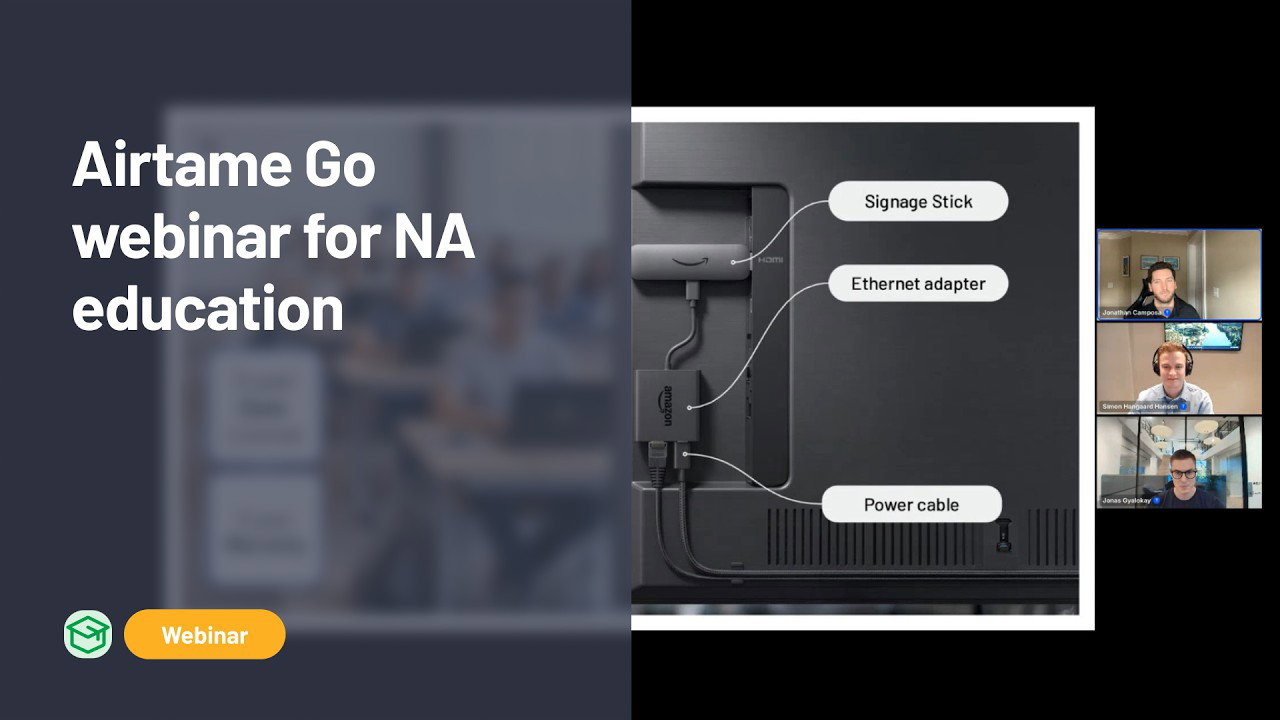
If you missed our recent Airtame Go webinar, here’s a quick overview of what Jonas Gyalokay (Co-founder), Simon Hangaard Hansen (CPO), and Jonathan Camposa (Director of Sales, Americas) covered — and why Airtame Go is the most affordable way to get screen sharing, digital signage, and emergency alerts into every classroom and shared space in your school.
Budgets in education are getting squeezed. One-to-one devices like Chromebooks, iPads, and teacher laptops need replacing, and prices are going up across the board. Airtame Go is our answer: a complete, ready-to-go package built around the Amazon signage stick that brings the core Airtame experience to any classroom or hallway.
What’s in the package
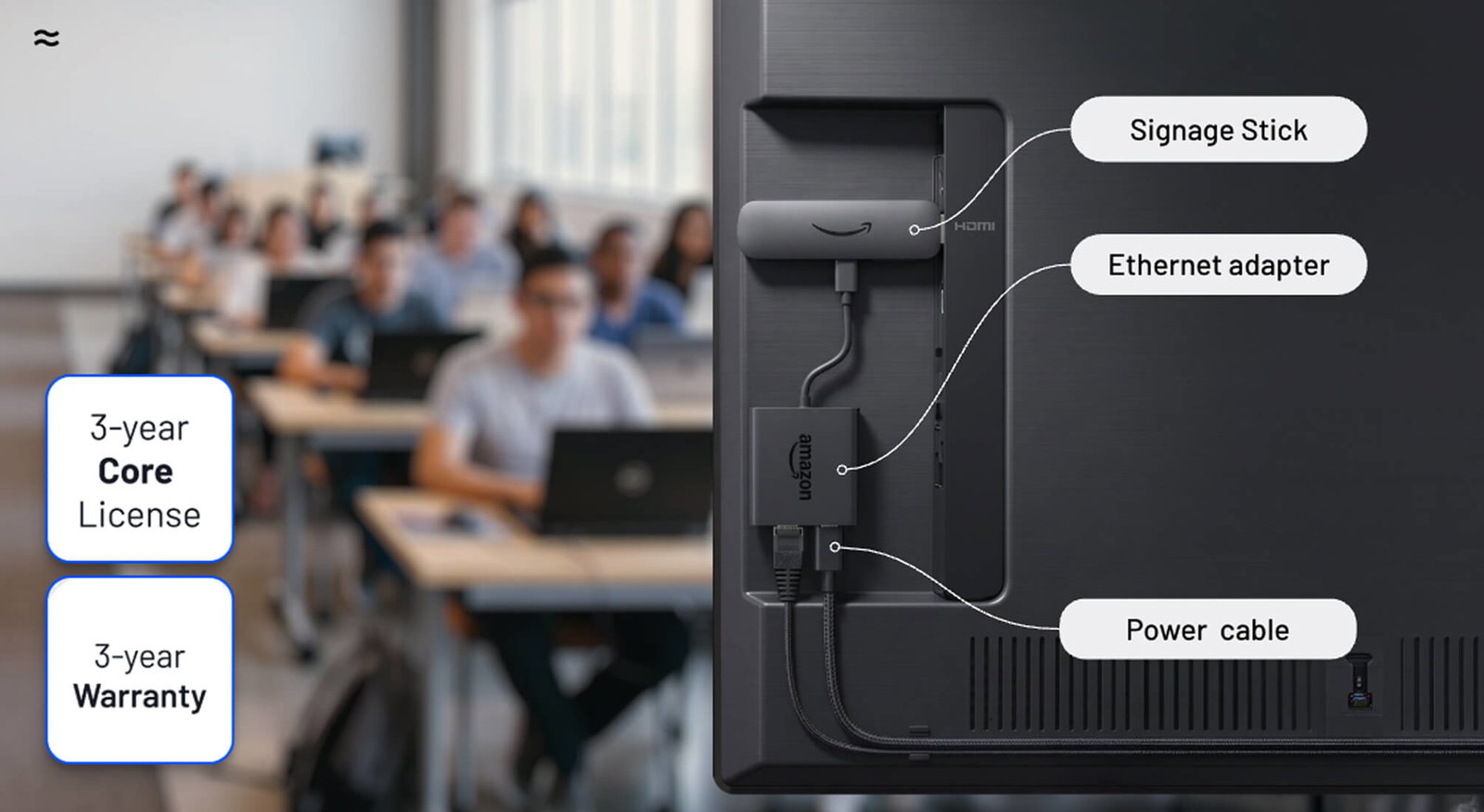
- Amazon Signage Stick with Airtame pre-installed
- Ethernet adapter, power adapter, and cable
- HDMI extender and remote control
- 3-year Airtame Core license and 3-year warranty
What Airtame Go does
- Wireless screen sharing from any device — Windows, Mac, Chromebook, iOS, Android — via the Airtame browser, desktop, or mobile app
- Digital signage with Google Slides, Canva, PowerPoint, YouTube, Power BI, and more, including support for third-party CMS providers like Rise Vision and Yodeck
- Emergency alerts natively and via integrations with Alert Us, InformaCast, SingleWire, Crisis Go, and others through the common alerting protocol
- Remote management including display schedules, reboots, and automatic silent firmware updates overnight
Q&A highlights
- PoE: Not available at launch. We are investigating PoE adapters as a future accessory
- AirPlay and Miracast: In active development, expected to roll out during summer. Google Cast to follow
- Airtame 2 replacement: Airtame Go is a natural one-to-one replacement for Airtame 2 in classrooms that don’t require video conferencing or dual screen
- After 3 years: Screen sharing and basic management remain available even if the license is not renewed. Signage, scheduling, and alerting features require an active license
- Video conferencing: Not supported on Airtame Go — use Airtame 3 or Virtual Airtame for those spaces
Watch the full webinar recording below, or get in touch to request a demo or seed unit.
Interested? Let’s talk.