
Walk through most office buildings and you’ll see screens. Mounted in lobbies. Hung in hallways. Sitting idle in meeting rooms. But instead of sharing real-time insights or important updates, they’re often looping outdated slideshows or worse — turned off completely.
These screens could be doing so much more.
Done right, digital signage is a powerful internal comms tool. It helps people stay informed, aligned, and connected across locations. It cuts through the noise of crowded inboxes. It makes spaces feel alive, not static. So how to get it right? Making it as easy to manage as it is to watch.
Most businesses already have the physical infrastructure: the displays, the internet connection, the wall space. But the content strategy — and the tools to support it — often lag behind.
You see it in:
None of this is intentional. Often, it’s simply because the signage system isn’t flexible or user-friendly enough to keep things current. When updating a screen involves USB drives, on-site uploads, or specialist tools, most people just stop bothering.
The goal isn’t to turn your office into Times Square. It’s to make communication clearer, smoother, and more visible. Here are a few ways signage actually supports your business:
A guest walks into your office. Instead of seeing a blank screen or looping logo, they’re greeted with a dynamic floor map and clear signage showing where to go. Meeting rooms are color-coded and schedules are up to date. Nobody has to ask reception which floor they’re on — they already know.
On day one, a new employee sees a screen welcoming them by name and photo. It sets the tone for their experience and makes the space feel human, not corporate.
Screens aren’t just for top-down updates. They’re for moments of connection.
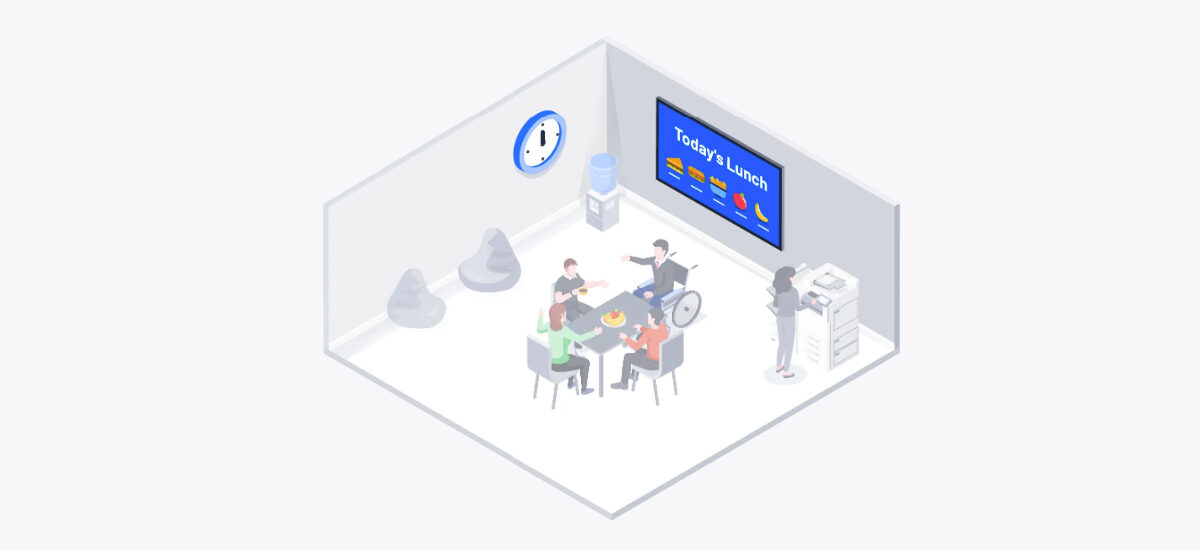
A birthday screen lights up in the morning. A rotating message celebrates your team’s latest milestone. You walk into the break room and spot a screen showing the lunch menu or reminding you of Friday’s social event. These little touches build culture and help people feel part of something — especially in hybrid environments where not everyone is online at the same time.
When signage pulls live content from tools your teams already use, it becomes a natural part of the workflow.
A marketing dashboard on the wall shows campaign progress in real time. A Trello board on display gives managers instant visibility into project status. A world clock helps teams plan across time zones before jumping on a call. These aren’t bells and whistles — they’re quiet boosts to productivity, visibility, and autonomy.
You’re packing up to leave when you notice the screen near the elevator shows rain on the way. You grab an umbrella.
Or a screen in the hallway displays an emergency alert or IT downtime notice, updated instantly across every floor. With digital signage, relevant information reaches people at the right time, in the right place — without relying on email, chat, or manual distribution.
Digital signage isn’t for decorational purposes (only). It informs. It welcomes. It celebrates. It warns. It reminds. And when it updates in real time, it becomes a source of live information everyone can rely on.
A good signage solution should be more than flexible. It should be effortless for the one managing the screens as well as for the viewer.
That means:
Whatever you want to show, it doesn’t require IT intervention. That’s the point.
Digital signage isn’t just a nice-to-have in a modern workplace. When it’s used right, it becomes a quiet but constant tool for communication. It reinforces priorities. It helps teams feel informed. And it makes the office feel more connected and dynamic — without adding more to anyone’s to-do list.
If you’re ready to make better use of the screens you already have, we’re happy to help.