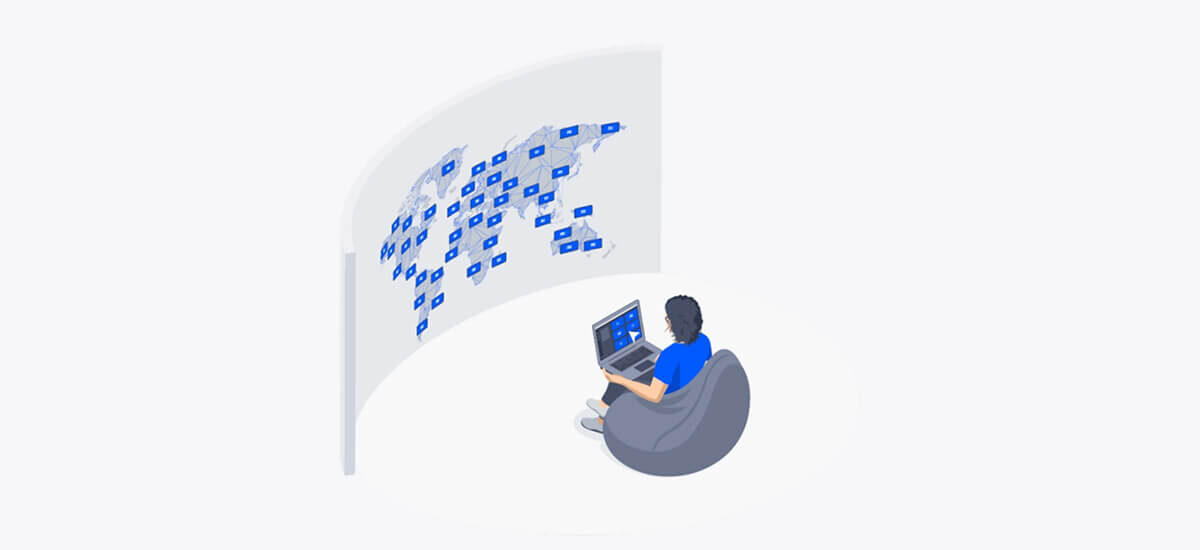
Screens aren’t just for meetings anymore. They’re digital signposts, dashboards, presentation tools, and emergency channels — often all in the same day. And in a typical business setup, they’re spread across multiple floors, departments, maybe even cities. Managing them manually? It simply doesn’t scale.
That’s where remote screen management comes in. Whether you’re overseeing five rooms or five hundred, a remote platform helps you control, update, and monitor every screen in your ecosystem — without walking the halls or jumping on site.
The silent burden of on-site screen support
Most IT teams have better things to do than deal with screen issues — but still, they do. A meeting room screen freezes mid-call. A lobby display is still stuck on last week’s announcements. Someone emails IT to ask, “Can you restart the third-floor TV?” These may seem minor, but the tickets and time spent on them add up quickly.
In many offices, managing screens still means:
- Walking to each device to check if it’s online
- Manually rebooting displays
- Troubleshooting peripherals on-site
- Updating digital signage with a USB stick
This model eats time, adds stress, and leaves too much to chance. When problems go unnoticed until a user complains, IT becomes reactive rather than proactive. And in a growing organization — in any organization, really — that’s a recipe for frustration.
What remote management should really do
A remote screen management solution shouldn’t just let you see what’s going wrong. It should let you stay ahead of it. A good platform gives IT teams full visibility and control from wherever they are. Here’s what that looks like:
- Device health monitoring: Check device status across all rooms at a glance. Know what’s online, what’s idle, and what needs attention.
- Remote troubleshooting: Reboot a frozen device, push a fix, or change configurations without leaving your desk.
- Centralized content updates: Change signage, welcome screens, or dashboards across every location from one dashboard.
- Scheduled updates: Deploy firmware or content changes overnight or outside of work hours to avoid disruption.
- Usage insights: Track how often meeting rooms are used, when screens are idle, and which content gets displayed most.
In essence, it’s about giving teams the tools to do more without having to be everywhere at once.
Who benefits — and how
Remote management may live in IT’s toolbox, but its value goes far beyond IT. Here’s who benefits:
- IT teams get fewer tickets, faster resolution times, and more oversight. They spend less time running around and more time optimizing.
- Employees experience fewer disruptions and more reliable tech. Rooms are ready, signage is fresh, and support feels invisible (in the best way).
- Office managers can update signage, welcome screens, or company news in real-time — without needing help from IT.
- Executives get insight into how their spaces are used, helping with planning and budget decisions.
- Global organizations can manage every screen, from any location, with standardized tools and workflows. No more site-specific chaos.
What to look for in a remote screen management platform
When evaluating solutions, focus on what will actually make life easier — and future-proof your investment. Look for:
- Cloud-based access: Manage screens from anywhere, without VPN or on-prem access.
- Bulk actions and device grouping: Configure hundreds (or even thousands) of devices at once or apply settings to entire locations.
- Flexible scheduling: Update content or push firmware when it won’t interfere with meetings.
- Multi-purpose support: Integrates with your screen sharing, video conferencing, and digital signage setup — not just one of the above.
- Security features: Encrypted traffic, role-based access, SSO support, which are all critical for IT governance.
- Ease of use: The interface should be clean and simple. If only one person on the team knows how to use it, it’s not scalable.
Solutions like
Airtame Cloud are built for this kind of flexibility. It’s one platform for everything, with the control, integrations, and scale modern offices need.
Why this matters more as you scale
With a few rooms and a small team, you can sometimes get by without a system in place. But that stops working when you: Open a second office, support a hybrid work model with fluctuating meeting patterns, adopt shared spaces or hot desking, or simply have to add more screens for signage, not just meetings.
The reality is that the more complex your environment becomes, the more critical it is to have a central command center — one that doesn’t require you to physically babysit your hardware.
A remote management platform ensures that no matter how many locations or screens you add, your setup stays manageable. It also reduces reliance on tribal knowledge — those “only Anna knows how to fix that screen” situations — and helps future-proof your operations.
Wrapping up
Remote screen management is not about avoiding certain tasks. Instead, it’s making your office tech infrastructure more resilient, responsive, and ready to scale. What you get in return is a lot of saved time, streamlined operations, and help to get more from your meeting rooms, signage, and shared spaces.
If your team is still relying on manual updates and hallway walks to keep screens running, there’s a better way, truly. Start with a single screen. Or your biggest floor. Or that office you only visit once a quarter.
We’ll help you bring it all into one place.
Interested? Let’s talk.