
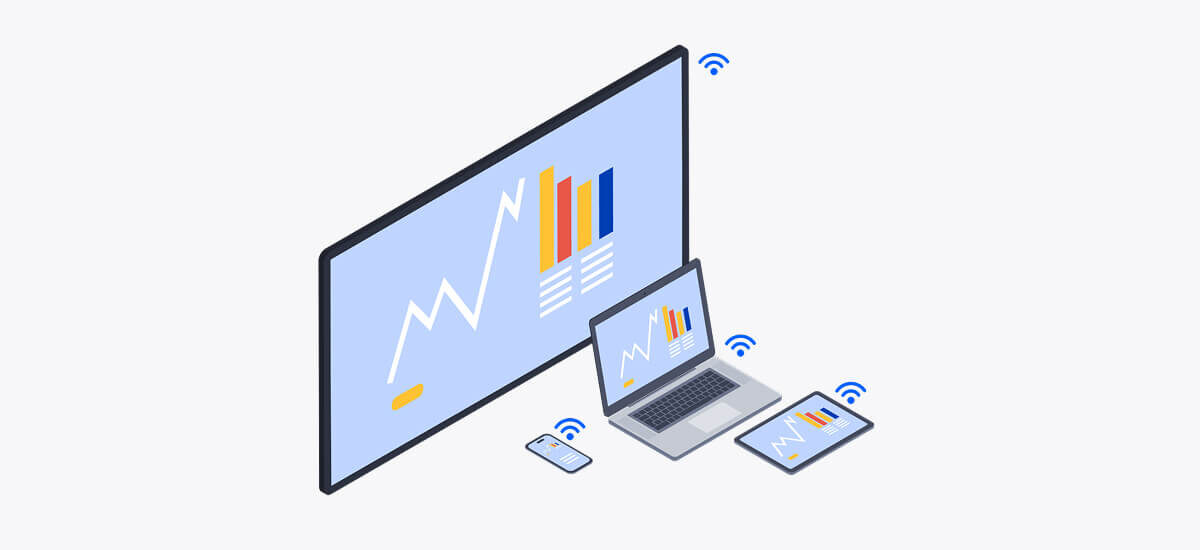
You know the feeling. You walk into a meeting room, ready to present — only to find a table full of cables, a display that won’t connect, and someone asking if anyone has “that little dongle thingy.” Momentum? Gone.
These small moments of friction might seem harmless. But they add up fast; they waste time, stall collaboration, and send a subtle message: your workplace tech isn’t working for you.
Wireless screen sharing changes that. Say goodbye to adapters and HDMI roulette. Instead, you get easy content sharing from any device, so meetings start when they’re supposed to and people stay focused.
Wireless screen sharing lets you present from your laptop, phone, or tablet without plugging in a single cable. You connect over WiFi, tap a button, and your content shows up on the big screen — slides, spreadsheets, browser tabs, you name it.
The magic happens through a receiver (usually a small device or built-in app) connected to the meeting room display. It handles the connection between your device and the screen without the need for special drivers on your device or any other AV tech.
Some solutions only cater to one wireless standard, while modern screen sharing solutions (like Airtame) support all common wireless standards like AirPlay (Apple), Miracast (Windows/Android), and Google Cast (Chrome devices). That means anyone can share, no matter what device they walk in with. That’s key for organizations with BYOD (bring your own device) setups — and for places with a lot of visitors.
Both mirroring and casting let you share content to a screen, but they do it in slightly different ways:
Most wireless screen sharing runs on one (or more) of three main technologies. Think of them like different “languages” your devices speak when talking to the screen.
You don’t need a degree in IT to know that cable-based setups are… less than ideal. Maybe the HDMI cable is missing. Maybe the USB-C adapter lives in someone’s backpack. Maybe the cable works, but only if you hold it at a weird angle while sacrificing something to the tech gods. Wireless presentation solves all of that. Here’s how it helps your meeting rooms run smoother, faster, and with less distraction.
1. Meetings start on time
Cables introduce friction — and friction means delays. A five-minute scramble at the start of every meeting doesn’t just waste time, it kills focus before you’ve even begun. With wireless, presenters walk in, tap “share,” and get going. There’s no setup ritual that only one person knows about. Just… start. On time.
2. Collaboration becomes fluid
In a traditional setup, passing the mic (or rather, the cable) is a whole production. Someone unplugs, another person walks over, connects, adjusts settings, and then starts. Possibly with some delay to account for lag, capability issues, and whatnot.
With wireless, anyone can share from their seat — switching presenters literally takes less than a second. It encourages participation instead of discouraging it. That quick visual someone wanted to show? It’s on screen instantly. This fluidity transforms meetings from one-person presentations into genuine collaborative sessions.
3. Fewer IT tickets
Many IT support requests aren’t about firewalls or networking wizardry. They’re about… screen sharing. Cables that don’t connect. Adapters that vanished. Displays that won’t show anything. It’s death by a thousand minor tech issues — and it adds up.
Fewer tickets mean IT can focus on bigger priorities. (Like futureproofing your tech stack, not swapping out broken dongles.)
Plenty of devices promise easy wireless screen sharing. But when it comes to rolling them out across your actual meeting rooms — and making them play nicely with your setup — the differences start to show. Here’s what to keep in mind before you commit.
Many teams bring a mix of Windows laptops, MacBooks, Chromebooks, iPads, Android phones — maybe all in the same meeting. A solid screen sharing solution should work with all of them. Even if all employees use the same operating system, you still need to accommodate visitors.
That’s why Airtame supports all major casting standards — AirPlay, Miracast, and Google Cast — plus browser-based sharing and our own app. So whether it’s a BYOD culture or just lots of guests, anyone can share without friction.
Consumer casting devices often fall short when it comes to enterprise network requirements. Airtame was designed with IT in mind: it supports network segmentation, WPA2/WPA3 encryption, proxy support, and 802.1X authentication — all the things that keep your infrastructure safe and compliant.
Need to let visitors share without putting them on your main network? Guest access and VLAN support help you keep things open and secure.
It’s not always enough to share content to the room — remote participants need to see it too. Airtame integrates screen sharing into your Zoom, Microsoft Teams, Google Meet, and Webex video calls without making you share your screen twice.
Even better: with dual-screen support on Airtame 3, you can split the call across two displays — people on one screen, shared content on the other — for a clearer, more collaborative experience.
One or two rooms? Fine. Fifty rooms across three offices? You’ll want help. With Airtame Cloud, you can monitor, configure, and update every device remotely, from one dashboard. Schedule firmware updates, push signage content, check network status, and see which rooms get used most. It’s simple to use and saves IT hours of onsite troubleshooting.
If you’re exploring wireless screen sharing solutions for your meeting rooms, look for something that works with all your devices, plays nicely with your network, and doesn’t create more work for IT. And if you want something that also supports digital signage, remote management, and hybrid meetings? Even better.
Airtame is built for all of that. And we’re happy to walk you through how it could work in your setup.